Tidelle › Import your history
Import your cycle history from Clue or Flo
Tidelle imports exports from Clue and Flo and any CSV file with a date column, and reads the file on your phone — it isn’t uploaded anywhere.
What Tidelle can read
An export from Clue · an export from Flo · any CSV file with a date column (a spreadsheet you kept yourself, for example). Use your old app’s own export — in its settings — to get the file.
Three steps in Tidelle
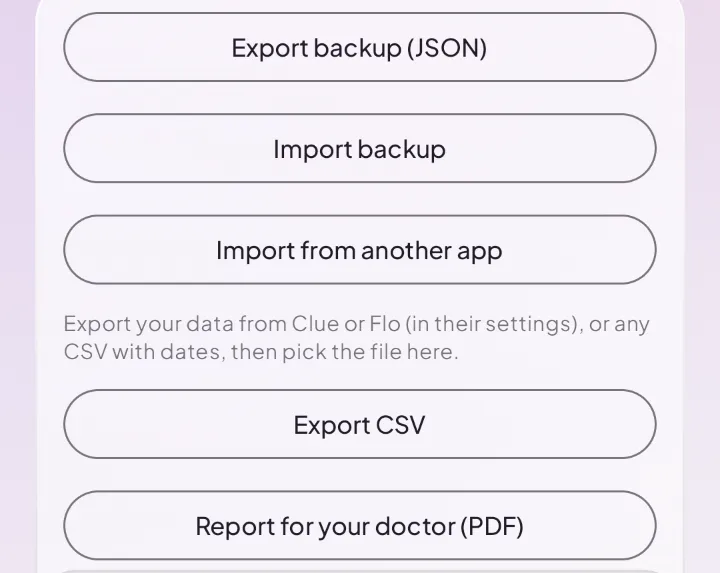
- Open Settings › Your data › Import from another app and pick the file.
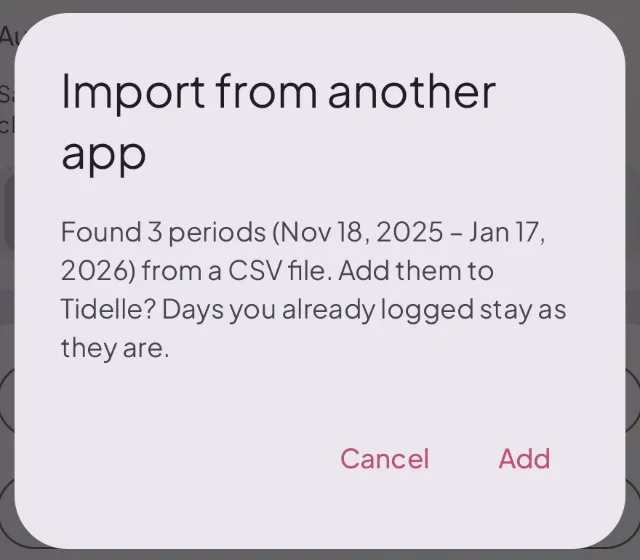
- Tidelle shows how many periods it found and from when to when. Tap Add.
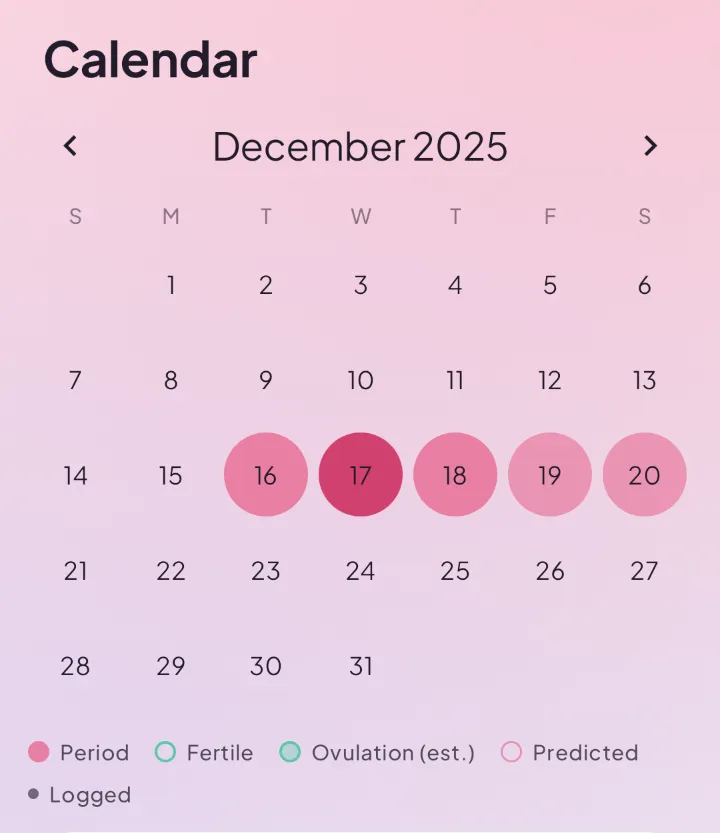
- Done. Your periods are in the calendar, and the estimates start from your own history.
Days you already logged
They stay as they are. The import only adds what’s new; if every day in the file is already in Tidelle, nothing changes.
Then keep your own copy
Your history now lives only on your phone. Save a backup file or switch on Automatic backup to a folder you choose, so a lost phone doesn’t mean a lost history. See what leaves your phone.
Questions
Which files can I import?
Exports from Clue and Flo, and any CSV file with a date column.
Is my file uploaded?
No. Tidelle reads it on your phone.
Can I take my data with me later?
Yes. Export a backup or a CSV any time.
Is import a Pro feature?
No. Import, backups and CSV are free.
I have a Tidelle backup, not an export.
Use Import backup in the same place, or I already have a backup when you first open Tidelle.
Last updated:
Tidelle is not medical advice. If something worries you, talk to a doctor or gynaecologist.
Android first, iPhone right after.